AI sex video from one photo
The widest shelf in the catalogue: full scenes rather than a single act, from slow close-ups to fast wide shots. Most other shelves are parts of this one, so if you are not sure yet, start here.
Choose by camera distance. Close scenes keep the face on screen for most of the clip; wide ones show more body and less likeness. A front-facing photo in daylight is the safest bet.
Examples from this shelf
 POV Missionary Sex Close-up
 Missionary POV
 Standing Behind
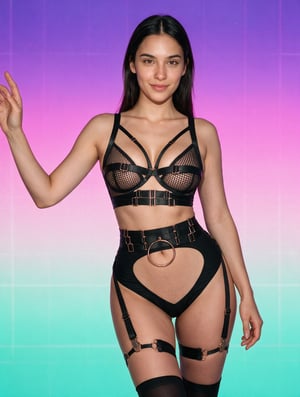 Split Screen: BJ + Anal
 Casting sex
 Blink Sex Missionary
 POV Doggy + BJ + Missionary
 POV Missionary Handcuffed
 POV Cowgirl Fast
 POV Doggy Twerk
 Lotus Table Fuck
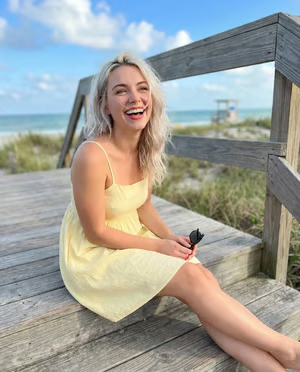 Riding on top
Three steps
- Pick a sceneBrowse the catalogue by shelf. Each template’s moving cover shows exactly what happens in the video.
- Add a photoOne person, facing the camera, whole face visible, good light. A sharp phone selfie is usually enough.
- Get the videoIn a few minutes the clip is in your collection. You can keep browsing while it is made.
Questions
How does it work?
You pick a scene from the catalogue, add a photo of a face and press generate. The template brings the movement and the setting; your photo brings the person.
Which photo works best?
One person, facing the camera, the whole face visible and even light. Sunglasses, heavy filters, hands over the face and group photos are the usual reasons a result does not look like the person.
How long does a video take?
Usually a few minutes, depending on the length of the scene and the queue. The video appears in your collection when it is ready.
Is it private?
Your photos and videos are visible in your own account only. Uploaded photos are kept only as long as it takes to make the video; the details are in the privacy policy.
More scenes
- AI blowjob video generator
- AI POV porn generator
- AI undress video generator
- AI solo girl video generator
- AI cum video generator
- AI missionary sex video
- AI nudes video generator
- AI cowgirl sex video
- AI doggystyle porn generator
- AI anal video generator
Make your first video
Pick a scene, add a photo, and the video lands in your collection in a few minutes.